A modern, responsive todo list application built with vanilla JavaScript, featuring priority management, filtering, and sorting capabilities.
Features
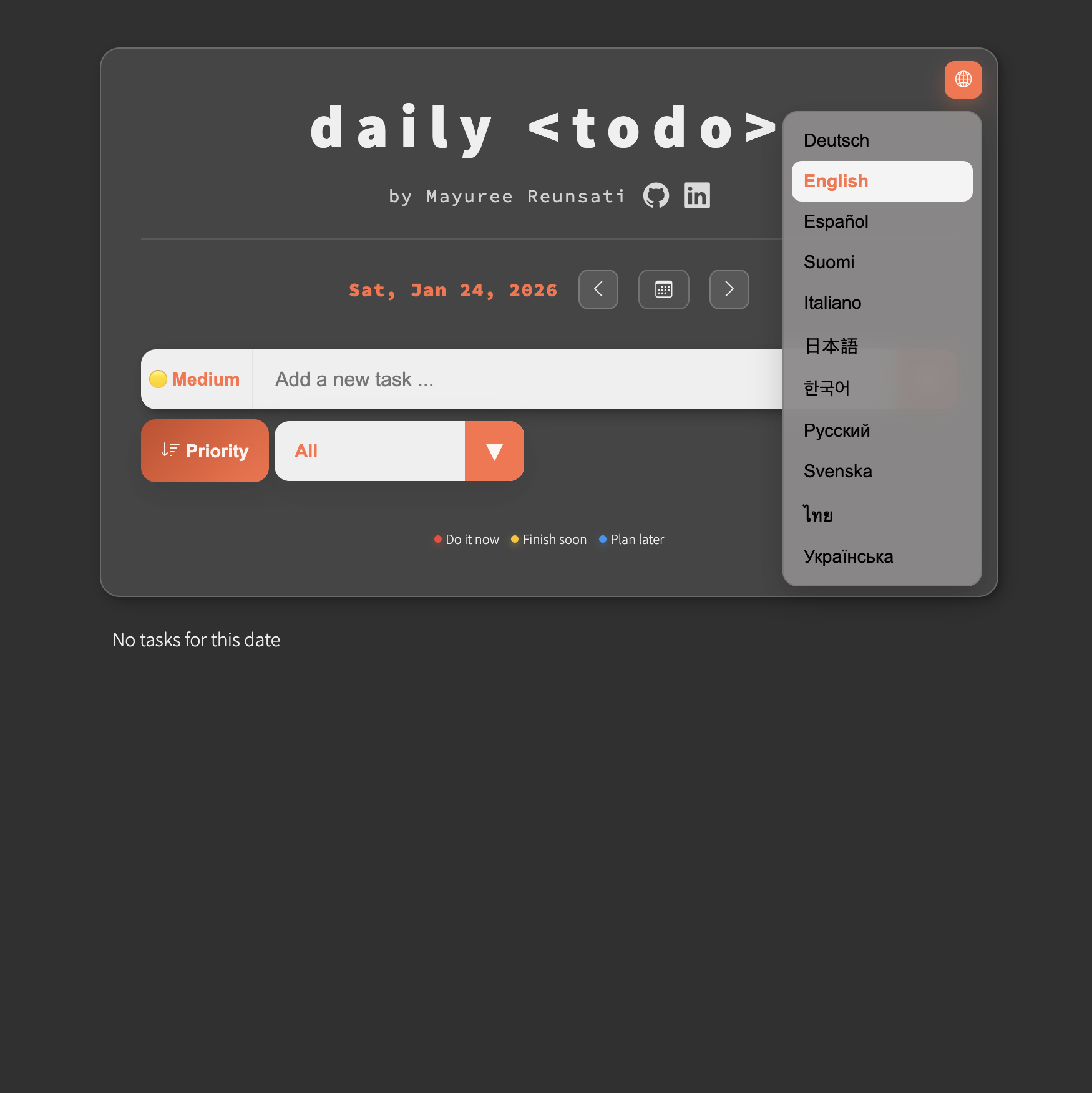
🌐 Multilingual Interface
- Supports 11 languages: English, Thai, German, Spanish, Finnish, Japanese, Korean, Italian, Russian, Swedish, and Ukrainian
- Full interface localization, including date picker and buttons
- Language switcher integrated into the main menu
- Enhances accessibility for global users
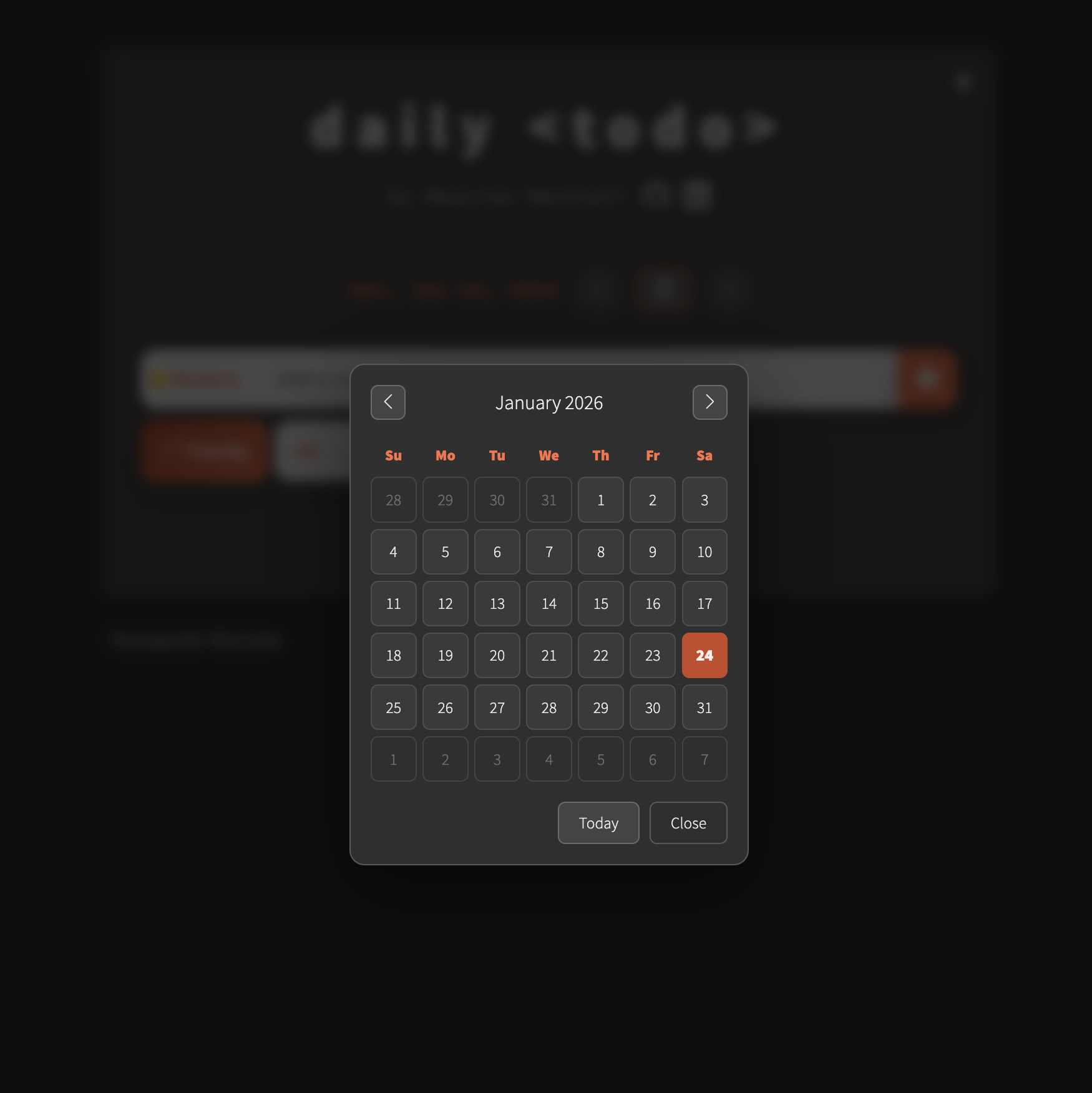
📅 Daily Task Organization
- Date-based task management with intuitive date picker
- Navigate between days using previous/next buttons
- View and manage tasks specific to each date
- Tasks are automatically sorted by priority for each date
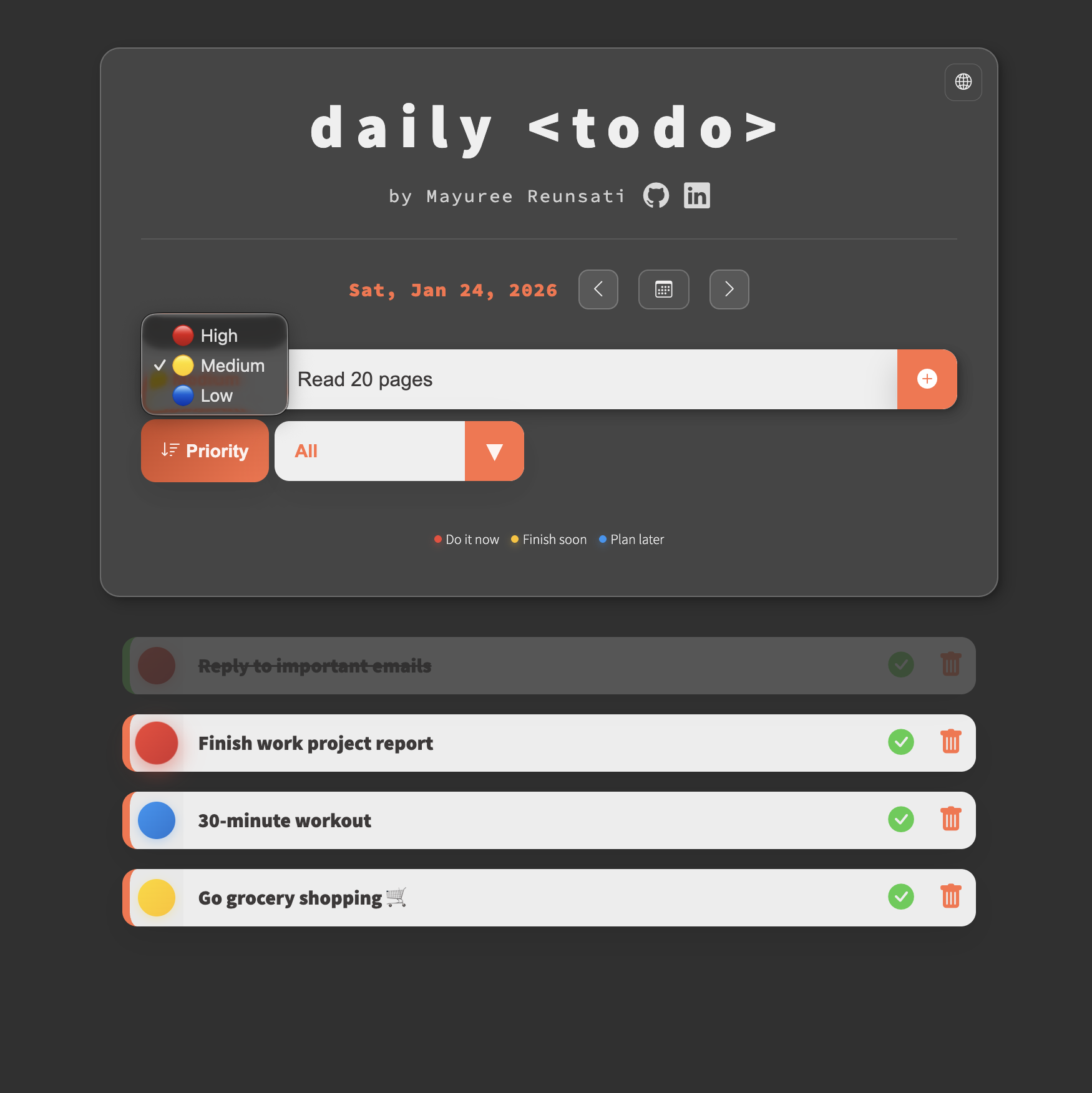
✨ Priority System
- Three priority levels: High (do it now), Medium (finish soon), Low (plan for later)
- Visual priority indicators with color-coded badges
- Pulsing animation for high-priority tasks
🔍 Smart Filtering
- Filter by completion status (All, Completed, Active)
- Filter by priority level (High, Medium, Low)
- Quickly focus on what matters most
📊 Priority Sorting
- Sort active tasks by priority with one click
- Automatically displays uncompleted tasks sorted from high to low priority
💾 Data Persistence
- Tasks are saved to localStorage with their task dates
- Data persists across browser sessions
- Ensures privacy—no account or cloud sync required
📱 Responsive Design
- Mobile-friendly layout with optimized controls
- Glass morphism UI with gradient accents
- Add to home screen for a native‑app feel
- Works seamlessly offline
Technologies Used
- HTML5 - Structure
- CSS3 - Styling with custom properties, flexbox, and media queries
- Vanilla JavaScript - Core logic, data handling, and DOM updates
- Bootstrap Icons - Modern icon set
- localStorage API - Data persistence and offline storage
Usage
- Switch Language: Choose a preferred language from the menu to instantly update the interface
- Select a Date: Use the date picker or previous/next buttons to navigate between dates
- Add a Task: Enter your task, select a priority level, and click the + button
- Complete a Task: Click the checkmark icon to mark as complete
- Delete a Task: Click the trash icon to remove a task
- Filter Tasks: Use the dropdown to filter by status or priority
- Sort Tasks: Click the "Priority" button to view active tasks sorted by priority
- Plan & Review: Navigate dates to plan ahead or review past tasks
Explore daily-todo
Organize your daily tasks with priority management and smart filtering.
Open daily-todo